Gaming mode
Choose gaming mode and connect your game through the route you need.
Connect games and selected apps through your chosen route, manage them in one library, and keep an eye on your connection while you play.
Windows 10 version 2004 / build 19041 or later, or Windows 11. x64 only. Administrator rights are required to install.
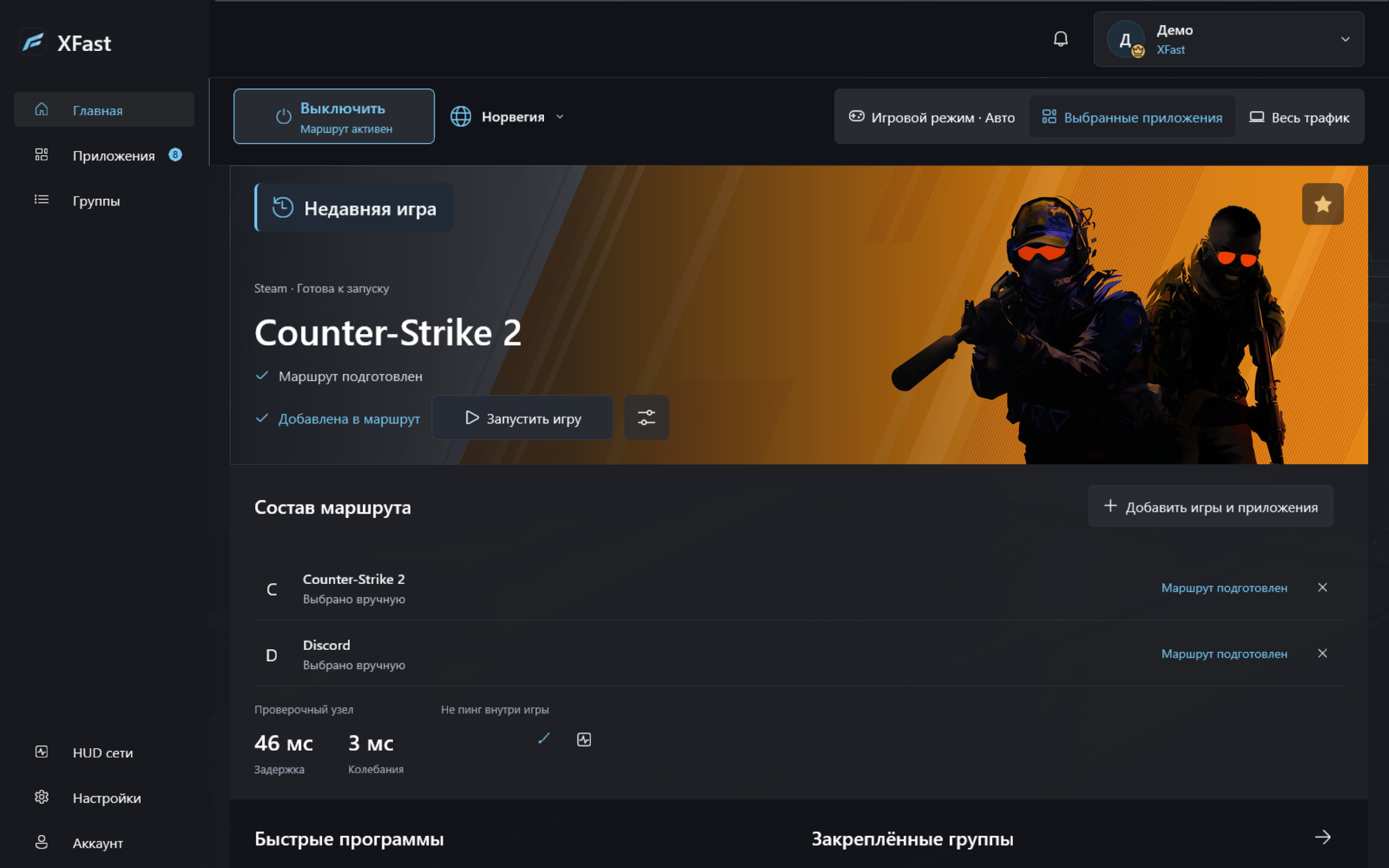
Choose gaming mode and connect your game through the route you need.
Select which apps to connect through XFast.
Keep your games in one library and organize apps into groups.
Keep track of your connection without switching away from the game.
Sign in on this website and download the latest stable version for Windows x64.
Run the installer and allow installation with administrator rights.
Sign in to your account, choose a route and add the games or apps you need.
Windows 10 version 2004 / build 19041 or later, or Windows 11. XFast is for x64 systems only. Administrator rights are required to install.
Yes. Select the games and apps you need in XFast and set up their connection. You can also organize apps into groups.
Open XFast, sign in to your account and set up your connection. Add a game or app to your library, choose a route and check the connection status.
Sign in on this website to download the installer. An active subscription is required to connect. Sign in to your account and select an available bundle — a set of connections. Access depends on the bundles created in your account.
Get the latest stable version here. Save this page to come back for an updated installer.
Windows 10 version 2004 / build 19041 or later, or Windows 11. x64 only. Administrator rights are required to install.